
Client Overview
This project was completed for IMS 354 during Fall 2025 as a mock exhibit concept for the Cincinnati Museum, centered around creating immersive user experiences. Throughout the semester, I contributed to the research, design, and development of the exhibit by using a variety of tools including Figma for interactive prototypes, Photoshop and Illustrator for visual assets, Miro for collaborative planning, Canva for layout refinement, and ChatGPT for content development and ideation. This project reflects my ability to combine creative design, strategic thinking, and user-centered storytelling within a real-world, client-oriented context.
Project Overview
For this project, I was responsible for the full wireframing and prototyping process for both my iPhone app and accompanying website. I began by sketching early layout ideas on paper, exploring different user flows, navigation structures, and interface concepts. These sketches helped me quickly experiment with multiple versions before moving into digital tools.
Using Figma, I transformed these initial sketches into structured wireframes, organizing screens, defining hierarchy, and establishing the foundational user experience. I created interactive components, used auto-layout for responsive design, and built organized frame systems that made the app and website easy to iterate on.
Once the wireframes were finalized, I used Figma’s prototyping features to bring them to life. This included creating transitions between screens, adding interactive touchpoints, simulating user actions, and testing how the interface would feel on an actual iPhone. This process allowed me to evaluate user flow, refine usability, and ensure the experience felt intuitive across both mobile and web.
Through sketches, structured wireframes, and fully interactive Figma prototypes, I was able to design a functional, user-centered blueprint for both the app and website before moving into high-fidelity visuals and development planning.
Programs Used
- Figma – Used for wireframing, creating interactive prototypes, building UI layouts, and testing user flows.
- Illustrator – Created vector graphics, icons, logos, and scalable design elements for both the app and website.
- Photoshop – Edited images, created visual assets, applied effects, and refined high-fidelity graphics.
- Miro – Organized early ideas with mind maps, journey maps, and planning boards to outline user paths and structure.
- ChatGPT – Assisted with UX writing, content refinement, ideation, image generation, and generating clear design explanations.
Wireframes
My wireframes and storyboard laid the foundation for the experience, mapping out user flow, key interactions, and screen transitions. They helped ensure every step felt intentional and aligned with the overall vision.


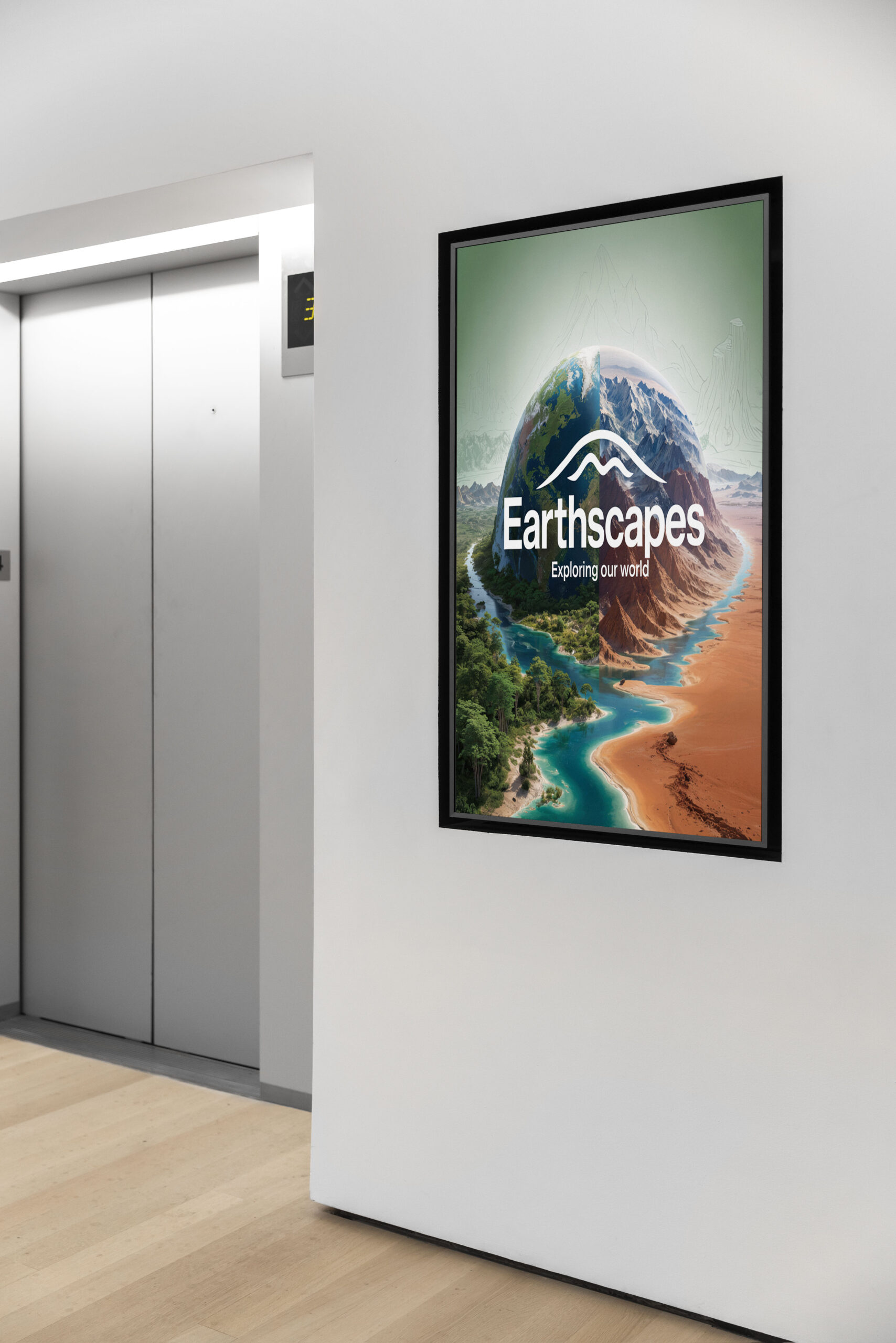
WayFinding
The wayfinding reinforces the Earthscapes brand through consistent shapes, colors, and visual cues, making navigation intuitive while keeping the experience visually unified.


Final Website
The website extends the Earthscapes experience with a clean, modern layout and clear navigation, giving users an accessible way to explore the exhibit’s content and visual identity online.


Final App
This app serves as an immersive extension of the exhibit, allowing users to explore content in a more interactive and personal way. Through guided navigation, visuals, and smooth transitions, the experience feels like stepping into the musuem exhibit and being fully immersed.

What I Learned Along The Way
My Role: I served as the lead designer and project creator for the Earthscapes mock exhibit.
What I contributed:
- Developed wireframes and user flows for the exhibit’s website and app
- Created visual assets and design elements using Illustrator and Photoshop
- Built interactive prototypes in Figma to show how the exhibit experience would function
- Used Miro for planning, mapping user pathways, and organizing early ideas
- Designed the overall layout and structure of the final presentation materials
- Designed all wayfinding elements
- Used AI image generation
I handled the full design process independently. Ensuring the exhibit concept was cohesive, user-focused, and visually aligned with the Earthscapes theme.

Conclusion
This project gave me hands-on experience designing a complete interactive exhibit concept from start to finish. Throughout Earthscapes, I refined the app through multiple rounds of feedback adjusting layouts, interactions, and visual elements based on testing and user feedback. These decisions were guided by a focus on clarity, immersion, and usability. I’m proud of the final outcome and feel more prepared to take on creative roles that involve UX design, digital prototyping, and crafting engaging, user-centered experiences.